Website Planning
Contractor Website Checklist
A practical checklist for planning a contractor website with service pages, trust sections, local SEO structure, estimate CTAs, and launch tasks.
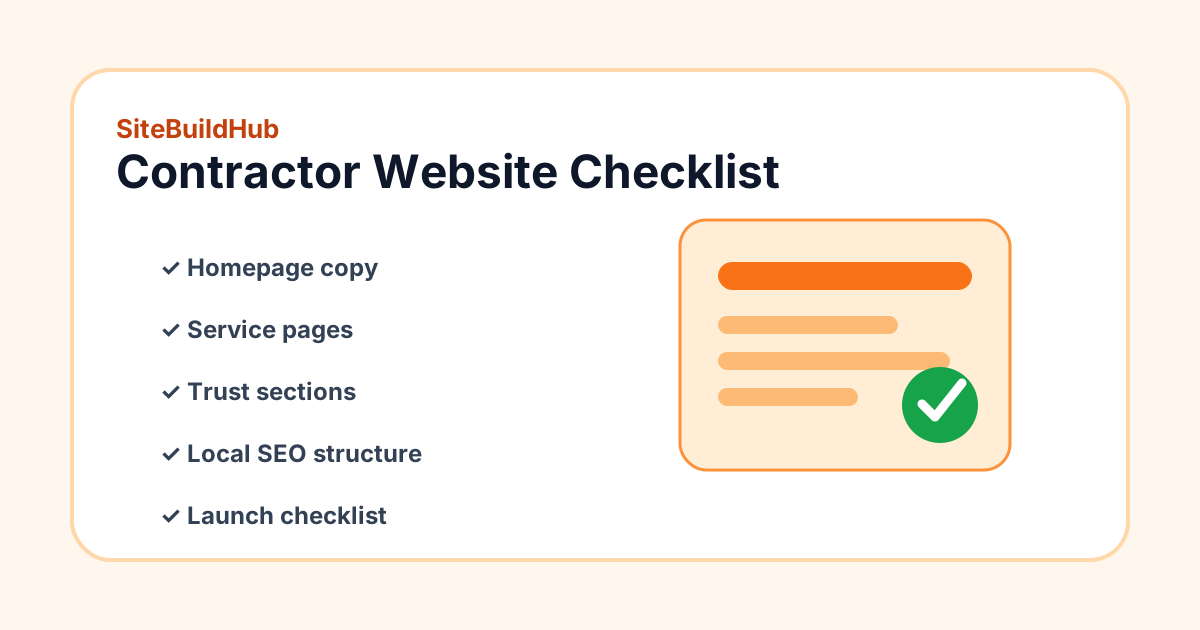
Direct answer: what should a contractor website include?
A contractor website should include a clear homepage, individual service pages, project proof, reviews or testimonials, service area information, licensing or insurance details where relevant, FAQs, contact options, and a launch checklist that confirms forms, mobile layout, analytics, legal pages, and local SEO basics before the site goes live.
Start with the offer and next step
Visitors should understand what you do, where you work, who you serve, and what to do next within a few seconds. Plan a simple headline, a short explanation of your core services, and one primary call-to-action such as requesting an estimate, booking a consultation, or calling the office. Avoid vague promises and focus on useful, verifiable details.
Plan service pages before design
Each important service deserves its own page when there is enough unique information to help a visitor decide. A deck builder might need pages for deck construction, deck repair, composite decking, and pergolas. A remodeler might need kitchen remodeling, bathroom remodeling, basement finishing, and additions. SiteBuildHub helps you organize these pages before a designer or builder starts layout work.
- Who the service is for
- What is included and excluded
- Common project examples
- Service area and scheduling notes
- Photos, reviews, certifications, or proof points
- Clear next step for estimates or questions
Add trust sections intentionally
Trust sections should make a local customer more comfortable contacting you. Plan where to show reviews, project photos, before-and-after examples, warranty language, trade credentials, safety practices, process steps, and frequently asked questions. Do not invent credentials or imply guaranteed outcomes.
Use the checklist as a working plan
This resource is meant to guide planning, not replace a full website strategy. Use it to collect content, assign owners, and decide what can launch now versus what can be improved after launch. For larger builds, pair it with the website launch checklist and service page template.
Contractor website planning checklist
- Homepage explains service, location, proof, and next step.
- Each major service has a planned page with unique details.
- Contact page includes phone, email/form, service area, and response expectations.
- Trust sections include real reviews, project examples, credentials, or process proof.
- FAQ answers pricing, scheduling, estimates, materials, warranty, and project timing.
- Local SEO basics include title tags, meta descriptions, headings, internal links, and location context.
- Launch checklist confirms forms, mobile layout, page speed, analytics, legal pages, and redirects.
Related resources
FAQ
What is a service website planner?
A service website planner is a workflow for organizing homepage copy, service pages, trust sections, local SEO content, calls-to-action, and launch tasks before a website is built.
Should contractors have one page for every service?
Create separate pages for important services when each page can provide useful, unique information. Avoid thin duplicate pages created only for keywords.
Does this checklist guarantee leads or rankings?
No. It helps you plan a clearer website, but results depend on offer, market, traffic, design, copy, trust, and follow-up.
Plan the website before you build it
Use SiteBuildHub to organize service pages, trust sections, local SEO content, calls-to-action, and launch tasks in one planning workflow.