Checklist
Local Business Homepage Checklist
Plan a homepage that explains what you do, where you work, why visitors should trust you, and what action they should take next.
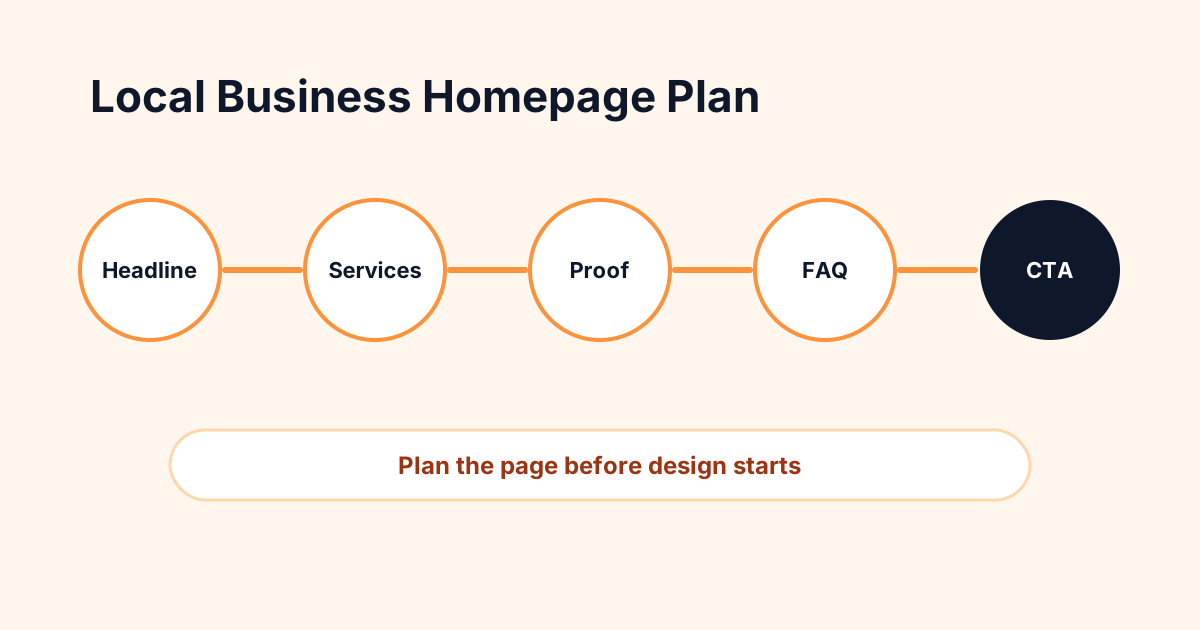
Direct answer: how do you write a local business homepage?
Write a local business homepage by clearly stating the service or product, location or service area, customer problem, proof points, primary services, process, trust signals, and next step. The page should help a visitor decide whether they are in the right place and how to contact you.
Clarify the above-the-fold section
The top of the homepage should not try to say everything. It should say the right thing quickly: who you help, what you provide, where you provide it, and what to do next. Use plain English and skip clever lines that hide the business category.
Build trust before asking for the conversion
Trust can come from reviews, project photos, years in business, certifications, guarantees only when truly supported, service process, team photos, local knowledge, or transparent next steps. Choose proof that is real and relevant to the buying decision.
Connect the homepage to deeper pages
A strong homepage introduces the business and sends visitors to service pages, resources, FAQs, pricing guidance, and contact. Internal links help users and search engines understand the site structure.
Homepage checklist
- Headline names the business category and audience.
- Subheadline explains the value in plain English.
- Primary CTA appears near the top.
- Core services link to dedicated service pages.
- Trust section uses real proof, not vague claims.
- Service area and contact options are easy to find.
- FAQ or objection section answers common buying questions.
Related resources
FAQ
What is the best way to organize ad or website research?
For websites, organize research by page type, customer question, proof asset, CTA, and launch task so the build team can act on it.
Should my homepage target one keyword?
It should primarily explain the business and customer intent. Keywords can guide wording, but do not stuff repeated phrases.
Plan the website before you build it
Use SiteBuildHub to organize service pages, trust sections, local SEO content, calls-to-action, and launch tasks in one planning workflow.