The short answer on construction software vendor evaluation
Construction Software Vendor Evaluation: Beyond the Feature List is ultimately about evaluating vendor stability, service, security, roadmap discipline, and customer fit alongside product capability. For contractors comparing the long-term reliability of shortlisted software providers, the right answer is the product and operating model that removes the most expensive constraint without adding more administration than the team can sustain. Feature lists are useful for discovery, but they are weak buying evidence. Two products can both claim scheduling, documents, reporting, or mobile access while requiring completely different habits to produce a trustworthy result.
Score the vendor separately from the product and require evidence for service capacity, security posture, customer outcomes, and contract commitments. That conclusion should still be tested against your contract types, project volume, cost structure, field connectivity, customer expectations, and reporting obligations. Product packaging and pricing can change, so confirm current terms directly with each vendor and keep dated notes with the decision file.
This guide uses a repeatable commercial framework: define the outcome, compare the workflow, calculate total cost, test adoption, control migration risk, and measure results after launch. The aim is not to crown a universal winner. It is to help a contractor make a decision that remains defensible when the initial excitement of a demo wears off.
Start with the business constraint, not the software category
Before evaluating financial review or security review or customer references or support assessment or roadmap assessment, write down the operational problem in plain language. Examples include estimates taking too long, cost reports arriving after decisions are made, field teams using old drawings, approvals living in text messages, or managers rebuilding the same report every Friday. Attach a baseline to the problem: hours per week, days of delay, dollars of write-off, number of missed approvals, or percentage of jobs with incomplete records.
A baseline prevents the buying team from being distracted by attractive features that do not affect the original constraint. It also creates the foundation for an ROI review. If the problem cannot be measured directly, use a defensible proxy such as cycle time, completion rate, re-entry count, or the number of unresolved exceptions at month end.
Agree on what will not be solved in this purchase. A focused first phase usually produces better adoption than attempting to redesign sales, estimating, projects, accounting, field reporting, and customer service at once. Keep a later-phase backlog, but protect the initial outcome from scope creep.
- Primary outcome: resolve evaluating vendor stability, service, security, roadmap discipline, and customer fit alongside product capability.
- Primary users: contractors comparing the long-term reliability of shortlisted software providers.
- Baseline: capture time, cost, delay, error, and completion measures.
- Boundary: list workflows intentionally deferred until after adoption.
Comparison and decision matrix
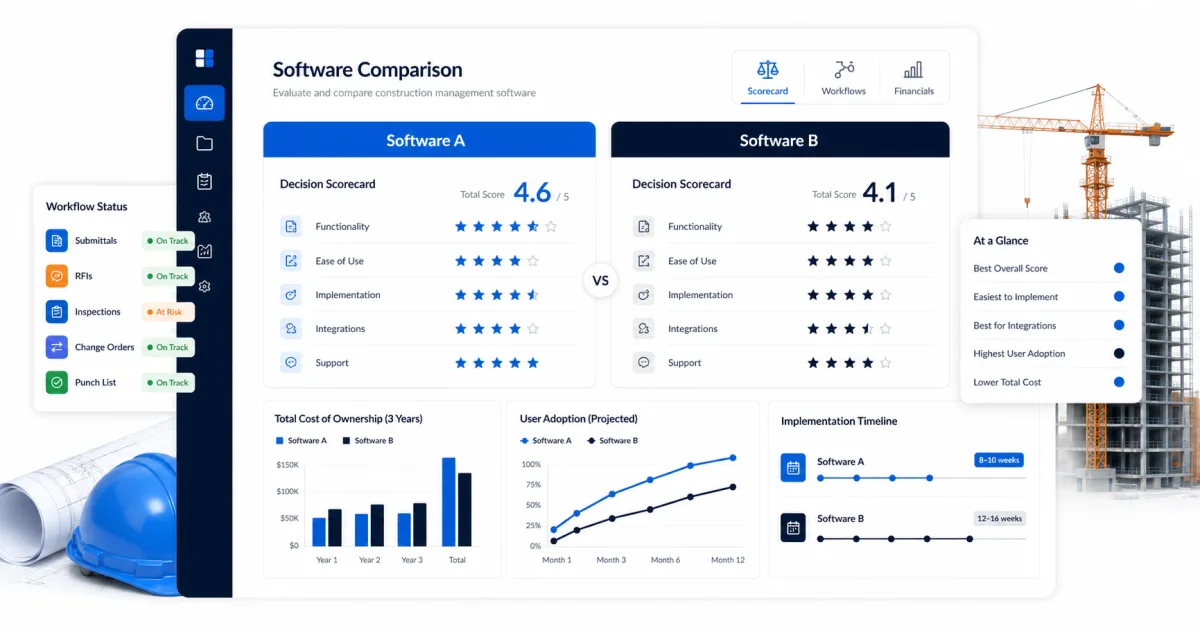
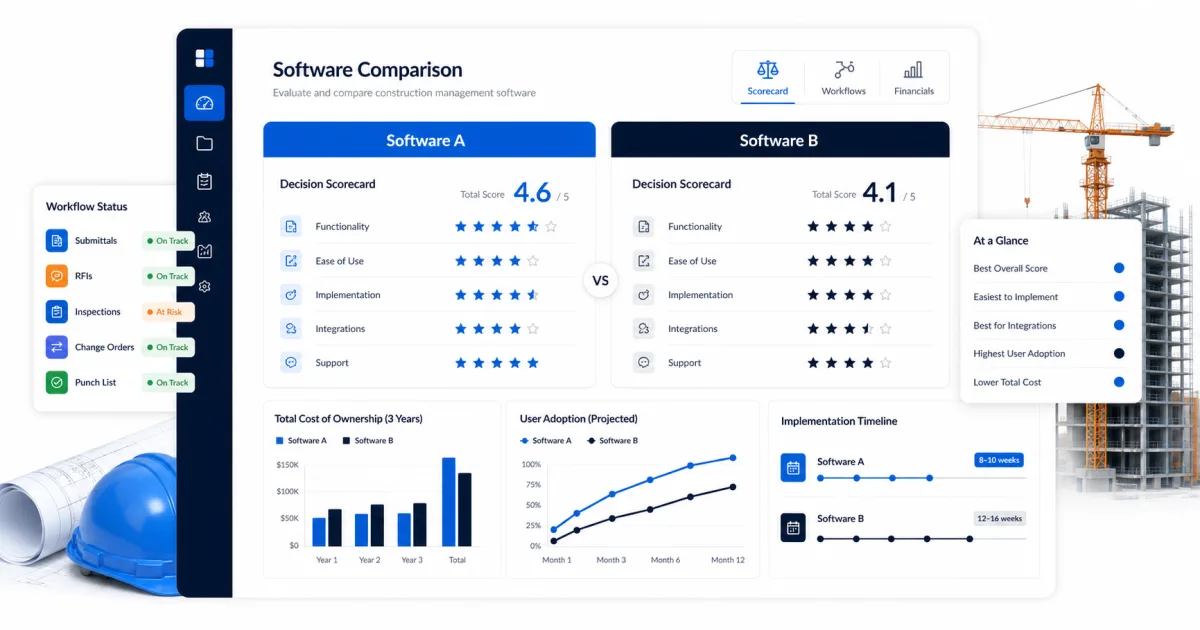
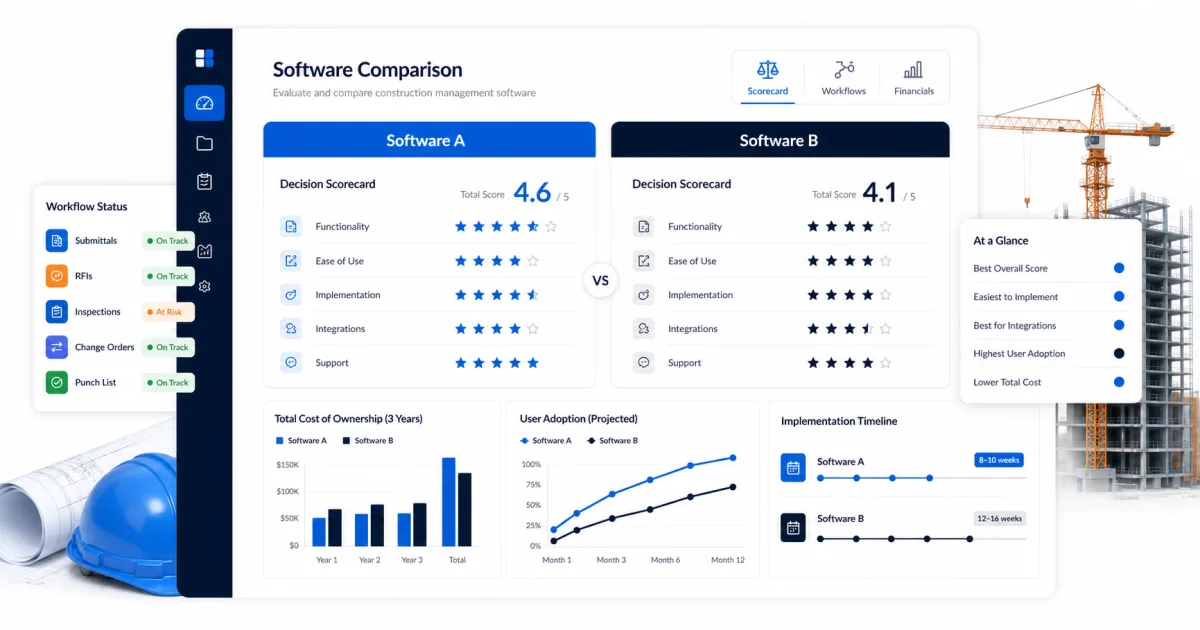
Use a weighted decision matrix before the first sales call. Weighting matters because a five-point advantage in a minor area should not cancel a failure in a critical workflow. Give must-have controls the greatest weight, useful efficiencies a middle weight, and convenience features the lowest. Set an automatic disqualification rule for security, data ownership, required accounting, or field-access failures.
For every score, distinguish native capability, configured capability, partner integration, custom work, and roadmap. Those labels represent different costs and delivery risks. Ask the vendor to demonstrate the exact action with a role similar to yours and save the answer in the selection record.
- financial review: assess it against customer retention; document what was demonstrated, what needs configuration, what costs extra, and who will own the workflow after launch.
- security review: assess it against implementation capacity; document what was demonstrated, what needs configuration, what costs extra, and who will own the workflow after launch.
- customer references: assess it against incident transparency; document what was demonstrated, what needs configuration, what costs extra, and who will own the workflow after launch.
- support assessment: assess it against product investment; document what was demonstrated, what needs configuration, what costs extra, and who will own the workflow after launch.
Five criteria that matter in a live construction workflow
The first criterion is customer retention. Trace it through a complete job rather than opening a settings screen. Watch who creates the record, what information is required, who receives it, how an exception is handled, and how the result reaches reporting. Count clicks only after confirming that the process produces reliable information.
Next assess implementation capacity and incident transparency. These areas often reveal the difference between a product that demos well and one that can become a system of record. Include external collaborators when they are part of the process; a workflow that works only for licensed office staff may push the real conversation back into email.
Finally test product investment and construction-market expertise. Ask what happens under poor connectivity, when a user changes roles, when a record is corrected after approval, and when the company needs a complete export. The exception path is usually more predictive than the happy path.
- Score customer retention from one to five using a real project example. Record the evidence behind the score, the role that validated it, any configuration required, and the cost or risk of the gap.
Price, total cost, and a conservative ROI model
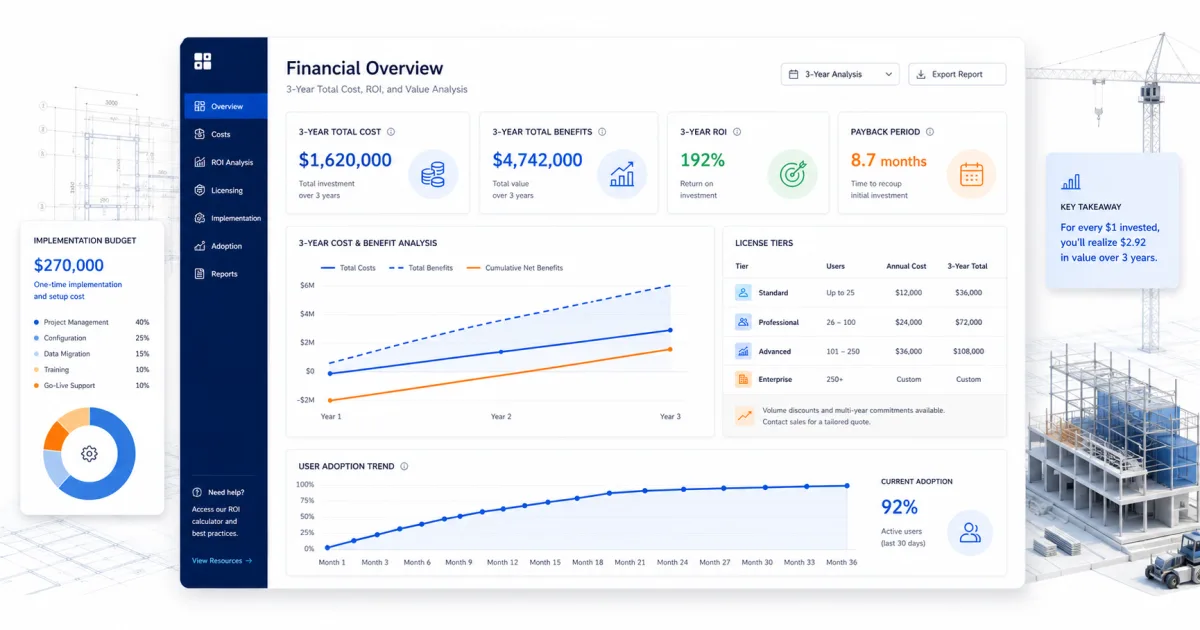
Subscription price is only one part of total cost. Include onboarding, configuration, migration, integration, training time, internal administration, devices, premium support, and the temporary productivity dip during rollout. Model at least three years because setup cost is front-loaded while user count and module needs often grow. Normalize vendor quotes into the same time period, currency, user assumption, and included scope.
A simple ROI model starts with annual benefit minus annualized total cost, divided by annualized total cost. Benefits can include recovered labor, avoided rework, faster billing, improved purchasing control, and fewer margin leaks. Use loaded labor cost rather than wage alone, but apply an adoption factor. If only 60 percent of the intended workflow is consistently used, do not claim 100 percent of the theoretical saving.
Create a base case, conservative case, and downside case. The downside case should include slower adoption and one-time migration overruns. A purchase that works only under optimistic assumptions is not ready for approval. Set the measurement date before signing so the business case becomes an operating commitment rather than a sales document.
- Three-year cost = subscription + setup + migration + integration + training + administration + contingency.
- Annual benefit = hours recovered + errors avoided + margin protected + cash-flow improvement.
- Adjusted benefit = estimated benefit multiplied by realistic adoption and confidence factors.
- Payback period = total initial investment divided by monthly net benefit.
Demo script: make vendors prove the workflow
Send vendors the same script at least two business days before the demonstration. Provide a realistic project profile, user roles, and the output you expect. Ask the presenter to use a standard product environment wherever possible. When a workflow requires another module, integration, service package, or custom report, note it immediately beside the score.
Begin with creation, then force a change. Construction work is full of revisions, rejected approvals, missing information, and changed responsibility. Ask the vendor to correct a committed value, replace a drawing revision, reassign an overdue item, restore an accidentally closed record, and show the audit history. Also test a user with restricted permissions rather than relying on an administrator account.
Close with export, support, and contract questions. Request a sample full-data export, an implementation plan, support response targets, renewal language, user-count rules, and a list of features shown that are not included in the quoted package. Roadmap items should receive no selection credit until generally available in the contracted product.
- Demonstrate evaluating vendor stability, service, security, roadmap discipline, and customer fit alongside product capability from trigger through reporting.
- Complete the core mobile task on a normal phone or tablet.
- Handle one rejection, one revision, one late item, and one permission restriction.
- Show audit history, current status, notification control, and a complete export.
- Identify every paid module, service, integration, and usage limit involved.
Implementation plan and adoption controls
Implementation should begin with process ownership, not data entry. Decide which system is authoritative for customers, projects, commitments, costs, documents, and approvals. Define naming rules and required fields only where they support a report, control, handoff, or legal record. Every required field adds field effort, so its business purpose should be visible.
Use a pilot that is representative but recoverable. The pilot should contain enough complexity to expose real problems without placing the company’s most critical project at risk. Keep office and field feedback separate: office users tend to see reporting and control gaps, while field users expose speed, connectivity, and clarity problems. Both views are necessary.
Go-live is the start of adoption. Review completion and data-quality measures weekly for the first 90 days. Remove duplicate spreadsheets where the new process is proven, but maintain a documented fallback for integration outages or critical failures. Publish decisions so late requests do not quietly rebuild the old process inside the new tool.
- Name one accountable owner for evaluating vendor stability, service, security, roadmap discipline, and customer fit alongside product capability. Give that person authority to resolve cross-functional decisions instead of allowing the project to stall between operations, finance, and field teams.
- Map the current process from trigger to completed record. Mark every re-entry point, spreadsheet, approval, waiting period, and exception before configuring software.
- Build a representative test job with actual cost codes, documents, users, permissions, and exceptions. A clean vendor sample does not reveal the friction your team will face.
- Pilot with a small group that includes an office user, a field leader, and the person responsible for financial reconciliation. Collect problems daily and prioritize blockers over cosmetic preferences.
- Define adoption with observable behaviors: records created on time, approvals completed in the system, current documents opened in the field, and reports reconciled to the source of truth.
Internal resources and next steps
SiteBuildHub can support the planning side of this work by helping teams organize project context, drawings, templates, and contractor-facing resources. It should be evaluated for the workflows it actually supports, just like every other option. Do not infer a capability from an article; validate the live product against your requirements.
- Review SiteBuildHub’s [features](/features) to map requirements before a vendor demo.
- Use the [templates library](/templates) to standardize information before migration.
- Compare the commercial model on the [pricing page](/pricing).
- Explore practical guides in the [resource center](/resources).
- Try the [construction drawing workspace](/app/draft) with a real project scenario.
Final recommendation
Score the vendor separately from the product and require evidence for service capacity, security posture, customer outcomes, and contract commitments. Validate that position through a scripted demonstration, a representative pilot, current commercial terms, and reference conversations with contractors of similar size and project type.
The strongest decision will be explainable in one page: the problem, baseline, chosen option, evidence, three-year cost, expected benefit, major risks, implementation owner, and review date. If the team cannot explain those items clearly, it needs more discovery—not another generic demo.
Construction software creates value only when people use a dependable workflow and leaders act on the resulting information. Choose the product the organization can govern, adopt, and improve, then measure whether it changes the operating result that justified the purchase.