Who this Contractor Foreman alternatives for field crews guide is for
Teams usually search for an alternative because cost, usability, workflow depth, support, or product scope no longer fits. For contractors prioritizing fast mobile adoption, drawings, daily records, time capture, or simpler field handoffs, the switching reason must be explicit before a shortlist is useful.
The immediate problem is selecting a field workflow crews will complete consistently. Start by describing that problem without product language. Record who creates the information, who needs it, where the current process slows down, what mistakes recur, and what a completed result should look like. A clear baseline protects the decision from attractive features that do not improve the real job.
Test alternatives on real devices, weak connectivity, restricted permissions, and one end-of-day handoff before comparing dashboards. Treat that as a starting recommendation, then validate it with current vendor information, a representative project, the people who will use the workflow, and a full cost review. Product capabilities and packaging change; dated evidence is more reliable than an old comparison chart.
The practical framework
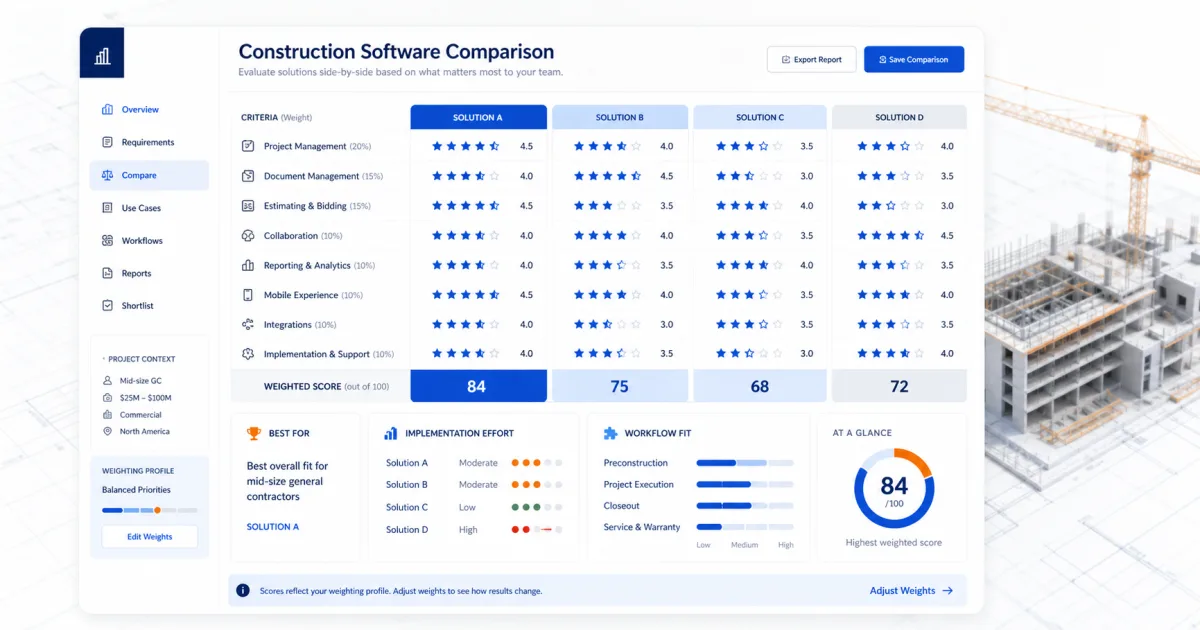
A useful framework has five parts: mobile speed, offline access, drawing context, daily completion, office handoff. Weight these criteria before looking at products or rebuilding the process. Critical controls should outweigh conveniences. If a requirement protects margin, approval evidence, current drawings, or client expectations, it deserves a clear pass/fail threshold.
The framework should also include an exception. Ask what happens when a dimension changes, a client delays a decision, a drawing is revised, a field user is offline, or an approval must be corrected. The happy path shows the interface; the exception path shows whether the workflow will remain trustworthy under real construction pressure.
| Option or stage | Best use | Question to verify |
|---|---|---|
| Fieldwire or drawing-first tool | mobile-first crews | How well does it handle mobile speed in a real project? |
| Raken or reporting-first tool | small subcontractors | How well does it handle offline access in a real project? |
| JobTread | field supervisors | How well does it handle drawing context in a real project? |
| SiteBuildHub | teams simplifying handoffs | How well does it handle daily completion in a real project? |
What small contractors should evaluate first
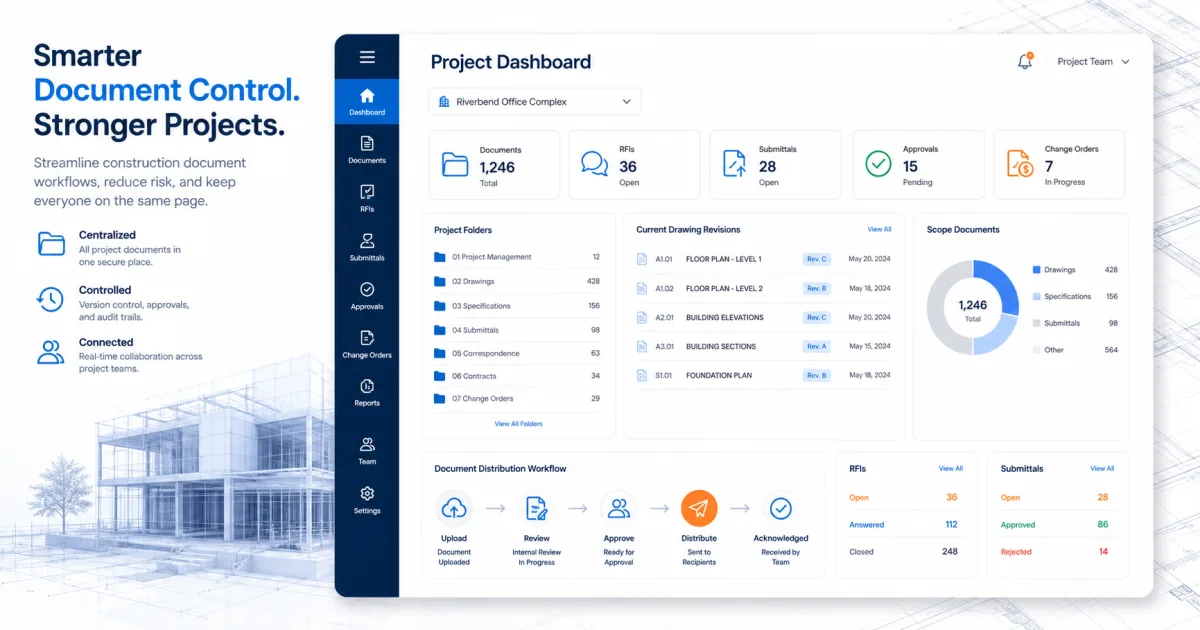
Small contractors rarely have a full-time software administrator or document controller. That makes clarity and completion more important than configurability. Test how long the core action takes on a normal device, what fields are truly required, how responsibility is assigned, and whether the office receives a usable record without retyping it.
Next, inspect ownership. Decide which person owns mobile speed, who verifies offline access, and who resolves gaps in drawing context. Software can route and display information, but it cannot resolve an undefined decision right. A simple system with accountable owners will usually outperform a sophisticated system that everybody works around.
Finally, look at total workflow cost. Include subscriptions, onboarding, migration, configuration, integrations, training, administration, and the temporary productivity dip during rollout. If the scope is a process rather than a software purchase, include internal review time and the cost of maintaining duplicate records.
Best for and not best for
This approach is best for mobile-first crews, small subcontractors, field supervisors, teams simplifying handoffs. Those teams benefit when project context is visible, the next action is clear, and a client or crew can tell which information is current. The goal is not to produce more records; it is to produce the few records that help a decision or handoff.
It is not the best fit for purchases based only on executive dashboards or teams unwilling to run a field pilot. Where a project requires licensed engineering, legal interpretation, safety planning, accounting advice, or permit approval, use qualified professionals and official authorities. SiteBuildHub supports planning and communication; it does not replace those responsibilities.
For growing teams, design the first version so it can be explained in a short kickoff. Add complexity only after the basic workflow is consistently completed and reviewed. A stable process creates useful data; optional fields and reports can be added later when somebody can name the decision they support.
- Best for: mobile-first crews.
- Best for: small subcontractors.
- Best for: field supervisors.
- Best for: teams simplifying handoffs.
- Not best for: purchases based only on executive dashboards.
- Not best for: teams unwilling to run a field pilot.
Step-by-step workflow
Begin with a short kickoff that defines the outcome, owner, required evidence, and deadline. Use the workflow below as a baseline, but remove steps that do not serve the job. Each step should create an observable result rather than a vague instruction such as “coordinate” or “review.”
The sequence is choose field tasks; test with supervisors; measure completion time; review office output; pilot under real conditions. Record open questions beside the responsible person and due date. When information changes, update the source record and communicate the revision instead of sending an unexplained replacement file.
Complete the cycle with a review. Check that the final record can be understood by someone who was not in the original conversation. If that person cannot identify the scope, current version, decision, owner, and next step, the workflow needs clarification before it needs automation.
- 1. Choose field tasks: define the owner, required input, completed output, exception path, and evidence to retain.
- 2. Test with supervisors: define the owner, required input, completed output, exception path, and evidence to retain.
- 3. Measure completion time: define the owner, required input, completed output, exception path, and evidence to retain.
- 4. Review office output: define the owner, required input, completed output, exception path, and evidence to retain.
- 5. Pilot under real conditions: define the owner, required input, completed output, exception path, and evidence to retain.
A project example without invented results
Consider a small residential project moving from client discussion into production. The contractor has site notes, dimensions, a rough drawing, material choices, schedule assumptions, and two unanswered questions. Instead of scattering those details across email and a spreadsheet, the project lead creates one current project record and labels every unresolved item.
The team applies the framework to selecting a field workflow crews will complete consistently. It confirms mobile speed, tests offline access, and documents the decision around drawing context. No claim is made that software eliminates every error. The practical improvement is that assumptions and decisions are visible before someone relies on them.
When a client changes a selection, the team updates the affected scope or document, records the revision, and sends the current version with a specific approval request. That pattern works whether the final system is a dedicated platform, a controlled folder, or a SiteBuildHub project draft.
Common mistakes to avoid
testing only on desktop is the first common mistake. Prevent it by connecting each required field, feature, or document to a decision or responsibility. If nobody uses the result, remove it from the initial workflow.
The second mistake is requiring too many fields. Test with a real project and a real user role rather than an administrator account or perfect sample data. Include a revision, missing input, late approval, restricted user, and export so the team sees how the process behaves when work is imperfect.
The third mistake is ignoring permission and sync behavior. Put the control into the workflow: assign ownership, define a due date, retain evidence, and make the stop/go threshold visible. Good intentions are not a reliable control when schedules tighten.
- Avoid testing only on desktop; name the preventive control and the person responsible for it.
- Avoid requiring too many fields; name the preventive control and the person responsible for it.
- Avoid ignoring permission and sync behavior; name the preventive control and the person responsible for it.
How SiteBuildHub fits honestly
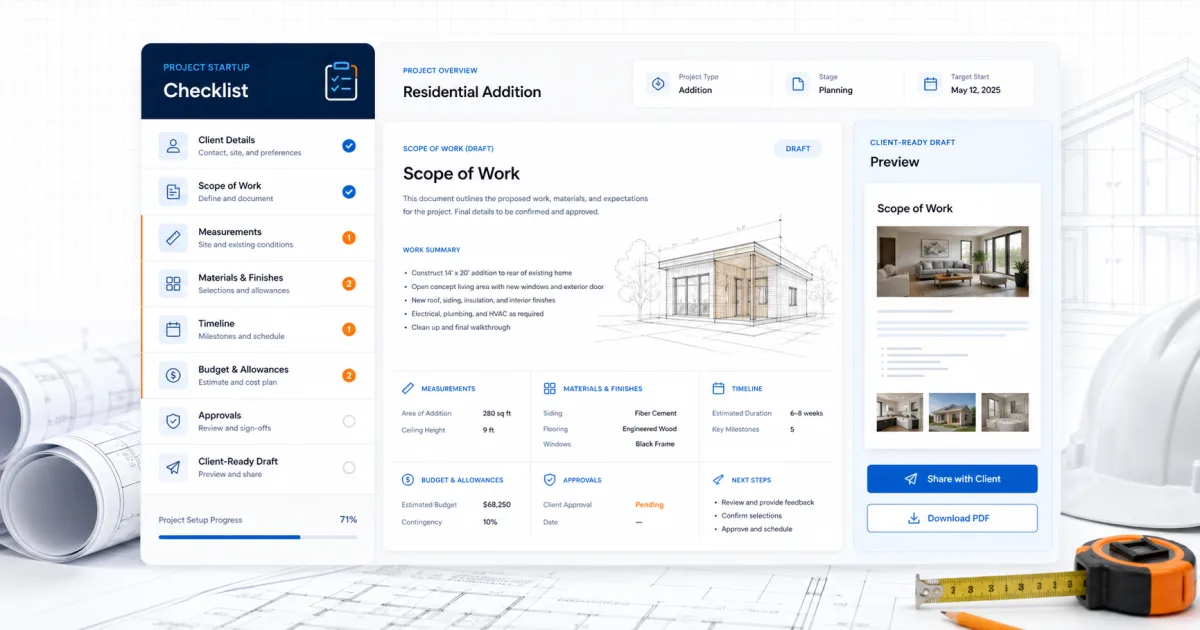
SiteBuildHub is a lightweight browser workspace for contractor drawings and organized project drafts. It can help connect measurements, labels, project notes, scope context, templates, and client-ready exports. It is useful when the team needs a clearer document than a loose sketch or scattered notes without adopting a broad enterprise platform.
It is not a full construction ERP, accounting system, licensed estimating service, engineering platform, legal service, or permit authority. For workflows that require comprehensive job costing, payroll, BIM coordination, enterprise document control, or regulated approvals, evaluate specialist systems and qualified professionals.
The honest buying question is whether SiteBuildHub’s focused scope removes the current constraint. Try the actual draft workflow, compare the output with the requirement, and use the pricing page to understand current plan boundaries before deciding.
Implementation and review plan
Assign one owner and pilot the workflow on a representative but recoverable project. Define success as observable behavior: the current document is findable, required fields are complete, approvals are recorded, field users can perform the task, and the final handoff does not require a parallel spreadsheet.
Review the pilot after one complete cycle. Keep problems separated into configuration, training, process, product gap, and policy. That distinction prevents a training issue from becoming an unnecessary migration and prevents a structural product gap from being dismissed as resistance.
At 30, 60, and 90 days, measure completion, correction, response time, and unresolved exceptions. Do not invent a return-on-investment number. Use the company’s own baseline and count only benefits that can be traced to changed behavior.
Final recommendation
Test alternatives on real devices, weak connectivity, restricted permissions, and one end-of-day handoff before comparing dashboards. The recommendation is valuable only when supported by current evidence, so verify the product or process with real data, representative users, and an exception-heavy scenario.
Keep the final decision to one page: problem, baseline, chosen approach, evidence, costs, risks, owner, rollout plan, and review date. That page becomes the reference when new feature requests or process exceptions appear.
A people-first workflow should remain useful even if the reader never buys SiteBuildHub. Use the framework, checklist, and questions here to improve the project record now; adopt software only where it makes the reliable behavior easier to repeat.