What Is Construction Management Software
Construction management software is a platform that helps contractors plan, track, and manage projects from bid to closeout. Instead of juggling spreadsheets, email chains, paper logs, and separate tools for every task, a single platform brings scheduling, document control, financial tracking, field reporting, and communication into one place. For small to midsize contractors who cannot afford a dedicated project manager for every job, that consolidation is the difference between staying on top of things and constantly firefighting.
The market has grown fast because the old methods do not scale. A five-person crew running three jobs a year can get by with email and a whiteboard. That same crew running twenty jobs a year needs something that reminds them when submittals are due, where the change orders stand, and whether the framing inspection passed. Construction management software fills that gap without requiring a full-time office admin to manage it.
These tools range from lightweight project trackers to full enterprise suites. Small and midsize contractors typically need something in the middle: powerful enough to handle multiple active jobs, simple enough that a field superintendent or owner-operator can use it without a week of training. The best platforms offer tiered pricing so you pay for what you actually need.
A common misconception is that construction management software only benefits large firms running dozens of projects. In reality, the smaller the team, the more impact a centralized platform has. When one person handles estimating, field supervision, and billing, every minute spent searching for a document or reconciling a number is time taken away from direct revenue-generating work. Construction management software reduces those inefficiencies regardless of company size.
Key Features to Look For
Not every construction management platform serves the same purpose. Some focus on financials. Others emphasize field reporting or document control. Before comparing vendors, contractors should identify which features matter most for the type of work they do. A custom home builder needs selections management and client communication tools. A commercial subcontractor needs robust change order tracking and submittal workflows. A remodeler needs scheduling and photo documentation.
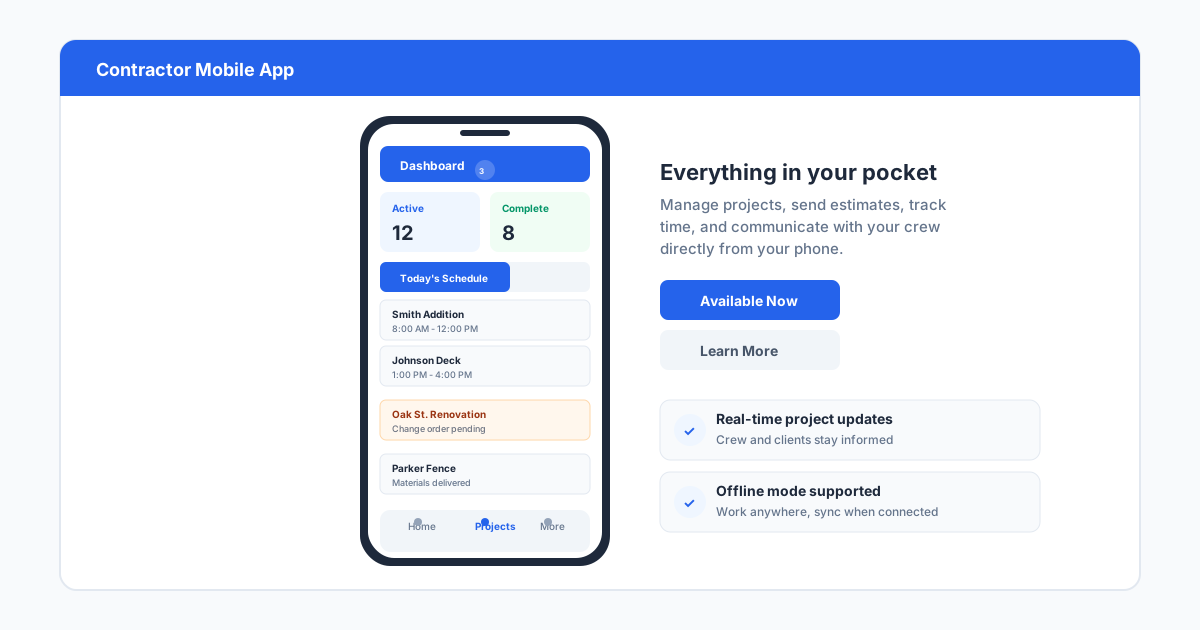
The features that consistently provide the most value across all contractor types include project scheduling with Gantt or calendar views, document storage with version control, change order management, daily log and photo capabilities, budgeting and job costing, and some form of subcommunication or team messaging. Mobile access is nonnegotiable in 2026. If the platform does not have a capable mobile app for field crews, it does not matter how polished the desktop version is.
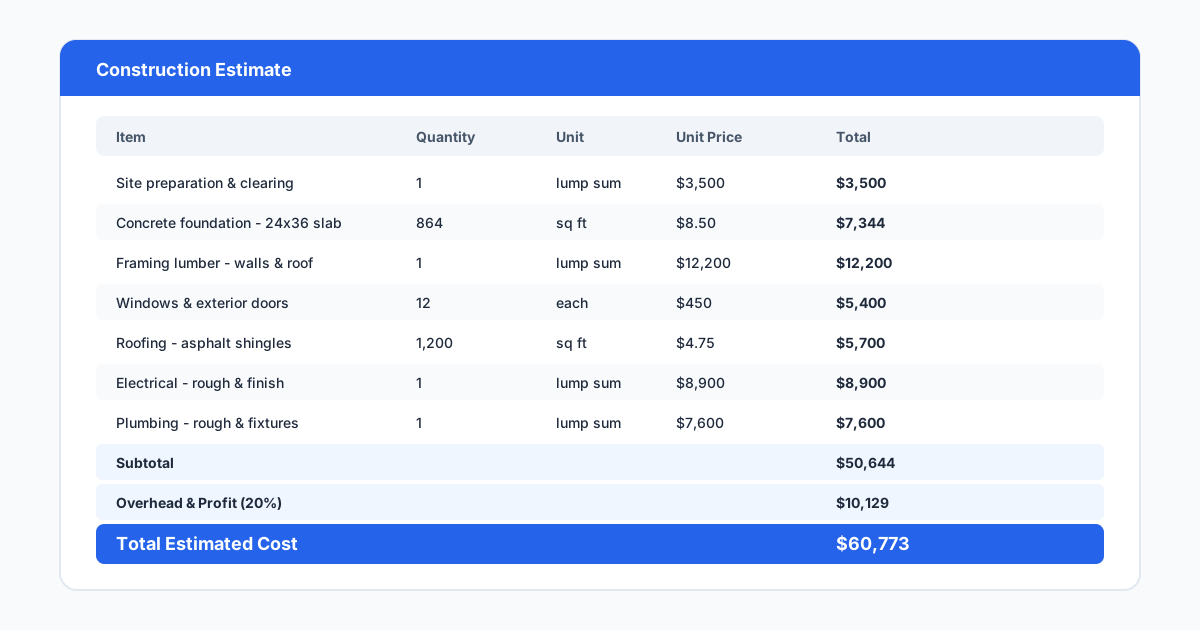
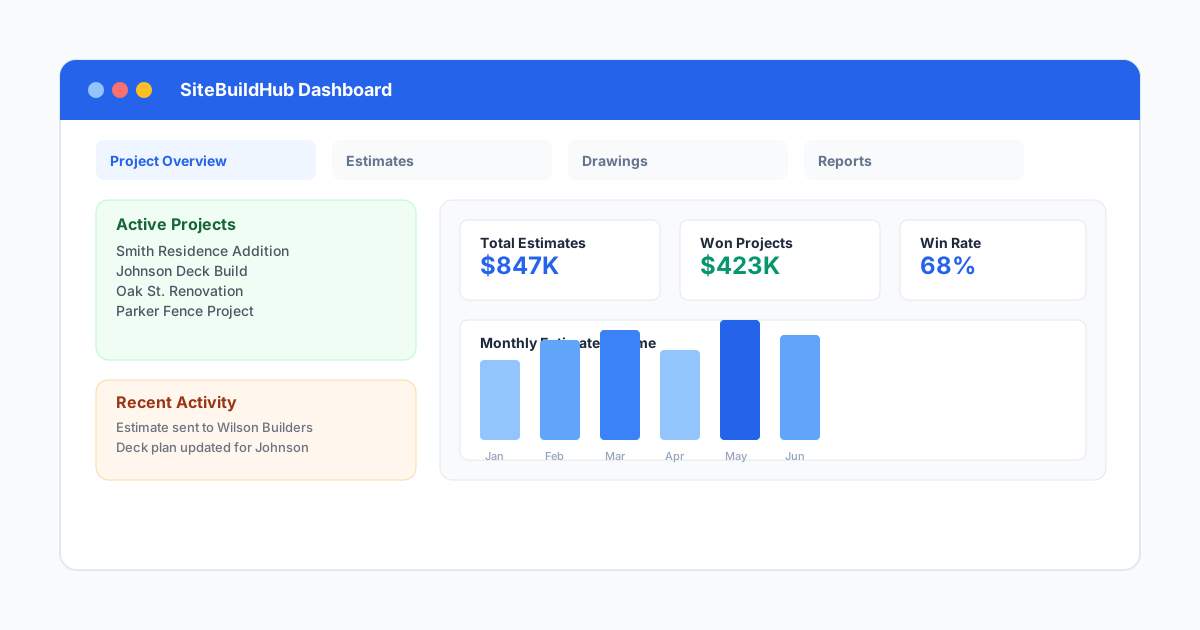
Other features worth evaluating include QuickBooks or Xero integration, bid management or takeoff capabilities, client portal access for approvals and selections, and reporting dashboards that show job health at a glance. Contractors should try to narrow their list to three to five must-have features and use those as the filter rather than getting distracted by the full feature list every vendor shows during a demo.
One feature that often gets overlooked is the ability to customize workflows and permission levels. A platform that forces every user into the same interface and workflow will frustrate both the office team who needs financial detail and the field team who needs simplicity. Look for role-based access, customizable form templates, and the ability to hide features that your team does not use. The best software molds to your process, not the other way around.
- Mobile app with offline capability for field use
- Scheduling with drag-and-drop or Gantt view
- Document management with version history
- Change order and budget tracking
- Daily logs, photos, and field reports
- QuickBooks or accounting software integration
- Client or owner portal for approvals
Top Construction Management Tools Compared
Procore is the market leader for a reason. It covers nearly every construction management function, integrates with hundreds of tools, and has the deepest feature set. But it is priced for mid-market and enterprise contractors. A small contractor with five to ten employees will likely find the annual commitment hard to justify. Procore works best for firms running multiple large projects simultaneously who need the full ecosystem.
Buildertrend targets residential and light commercial contractors specifically. It includes scheduling, change orders, selections management, financial tracking, and client communication. Pricing is more accessible for small to midsize builders, starting around $500 per month for the basic plan. Buildertrend is the strongest option for home builders and remodelers who need a platform their clients can also use.
Jonas (now part of Constellation Software) focuses on service-oriented contractors and has deep job costing and dispatch features. It works well for mechanical, electrical, and plumbing contractors who run recurring service work alongside project work. The interface has a steeper learning curve, but the financial reporting is among the best in the category.
CoConstruct is Buildertrend's main competitor in the residential space. It offers similar features with a slightly different workflow emphasis. Many contractors choose between the two based on interface preference and specific trade features. Both offer free demos and trial periods worth using before committing.
Houzz Pro adds lead generation and marketing features alongside basic project management. For remodelers and design-build firms that need client acquisition tools bundled with project tracking, it can replace multiple subscriptions. Trade-specific features are lighter than dedicated construction management platforms, so it works best as an all-in-one option for smaller operations.
UDA ConstructionOnline offers a one-time purchase option alongside subscription plans, which appeals to contractors who prefer avoiding recurring fees. It covers scheduling, estimating, document management, and client communication. The interface shows its age in places, but the functionality is solid for small firms that want to own their software outright.
For contractors who need only the most essential features at the lowest cost, affordable options like Jobber and ServiceTrade serve as entry points. These tools focus on scheduling, invoicing, and client communication without the depth of full construction management platforms. They work well for contractors with fewer than ten employees who run service-oriented work and do not need complex financial tracking or document management.
How to Choose the Right Platform
Start with the job type. A platform that works well for a production home builder will feel wrong for a heavy civil contractor. Map your typical project size, number of active jobs, team size, and the people who will actually use the software. The estimator needs different tools than the field superintendent, and both need different tools than the client. The best platforms accommodate all three roles without making any of them feel like an afterthought.
Budget is the second filter. Construction management software ranges from roughly $200 per month for basic plans to over $2,000 per month for full enterprise deployments. Small contractors should expect to spend $400 to $800 per month for a capable platform that covers scheduling, documents, financials, and field reporting. Factor in implementation time and any data migration costs when comparing total cost.
Try before you buy. Every major vendor offers a demo or trial period. Use that time to run a real active job through the software rather than clicking through sample data. Have your estimator, your project manager, and one field person each spend an hour with the trial. If the field person struggles to complete a daily log on their phone, that is valuable information that no demo will reveal.
Why Drawing Tools Matter Too
Construction management software handles the administrative side of projects, but it rarely includes tools for creating the drawings that define the work. Site plans, fence layouts, deck plans, foundation pads, and renovation layouts are still produced in separate tools or skipped entirely. That creates a gap between what the software tracks and what the team actually builds.
SiteBuildHub fills that gap. It integrates into the contractor workflow as a drawing layer that produces scaled, dimensioned job drawings in minutes rather than hours. A contractor using Buildertrend or Procore for project management can open SiteBuildHub Draft in the browser, draw a site plan or deck layout from a template, export a PDF, and attach it to the project record in their management platform. The drawing becomes part of the same workflow, not a separate artifact.
For small to midsize contractors, the combination of a solid construction management platform plus a fast drawing tool covers nearly all the planning and documentation needs of a typical job. The construction management software tracks what needs to happen and when. SiteBuildHub captures what needs to be built and where. Together, they replace the stack of disconnected tools that slows down most small contracting businesses.