What should be included in a construction client portal?
Include a project overview, current drawings, approved scope, decisions needed, schedule and budget context, photos, shared documents, approvals, change risks, and next actions.
Client Portal Checklist
A practical checklist for builders, remodelers, and contractors preparing project links, client updates, approval requests, and shared documents.
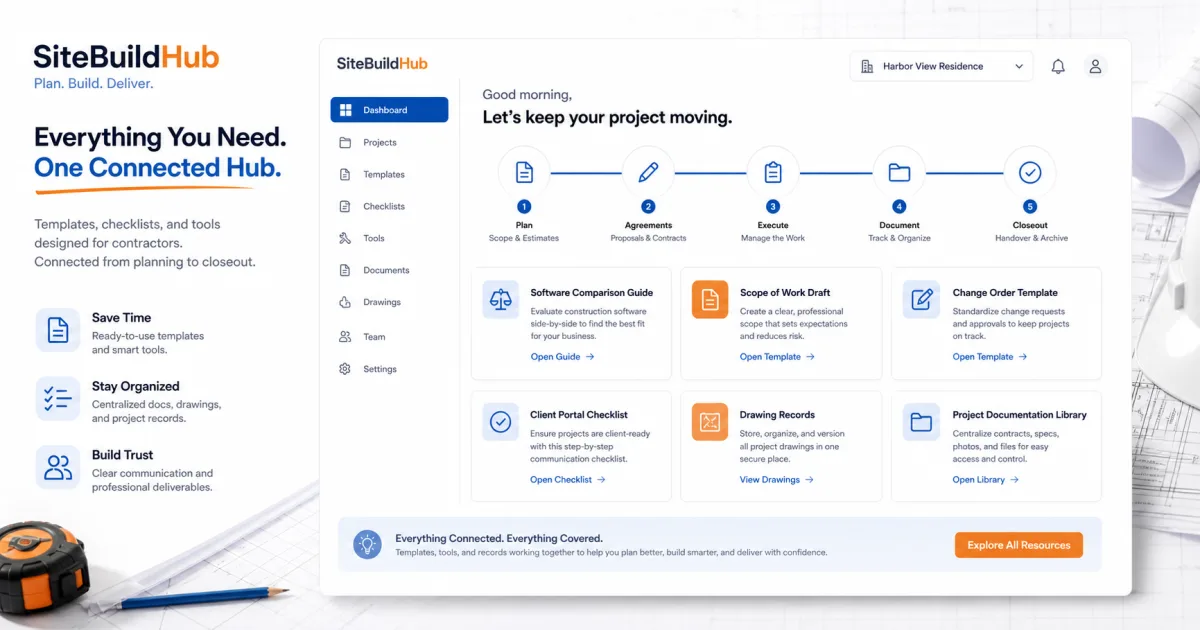
The first screen or update should answer five questions: what project is this, what stage is it in, what changed recently, what does the client need to decide, and what happens next. Keep the summary short enough to scan on a phone.
Show the correct address, primary contacts, current phase, major milestone, and communication owner. Avoid promising dates or costs that have not been reviewed.
Each section should have a clear purpose and owner. Publish only reviewed information and make the current version obvious.
Use one predictable update format. Separate progress, decisions, risks, and next actions so a client can understand the message without reading every project note.
When a drawing or scope changes, issue a new revision and explain what changed. Do not silently replace an approved document. Keep superseded information available to the internal project record but clearly out of the client’s current view.
Set response expectations. A portal does not eliminate conversation; it gives the conversation a reliable reference.
Use these guides to improve portal selection, drawing sharing, scope preparation, change control, and project documentation.
Include a project overview, current drawings, approved scope, decisions needed, schedule and budget context, photos, shared documents, approvals, change risks, and next actions.
No. Separate client-ready information from internal working notes, subcontractor discussions, cost analysis, and unreviewed drafts.
Update it when information changes and on the communication cadence promised to the client. Critical approval requests and schedule effects should not wait for a routine update.
State the exact decision, current document or selection, response deadline, authorized person, and approval date. Retain the evidence with the project record.
It can work for simple document sharing if permissions, versions, and responsibilities are controlled. It is less effective when approvals and required decisions need structured tracking.
No. SiteBuildHub can help prepare and share organized project drafts and client-ready documents. Evaluate a full portal when messaging, payments, selections, warranties, and broader workflows are required.