Why Scheduling Software Matters
Construction schedules are the backbone of project coordination. A realistic schedule tells every trade when to show up, what to bring, and how long they have to complete their work. Without a structured schedule, projects rely on verbal coordination, last-minute calls, and the hope that everyone remembers what they were told last week. The result is downtime, trade stacking, rushed work, and missed deadlines that cost money and damage reputations.
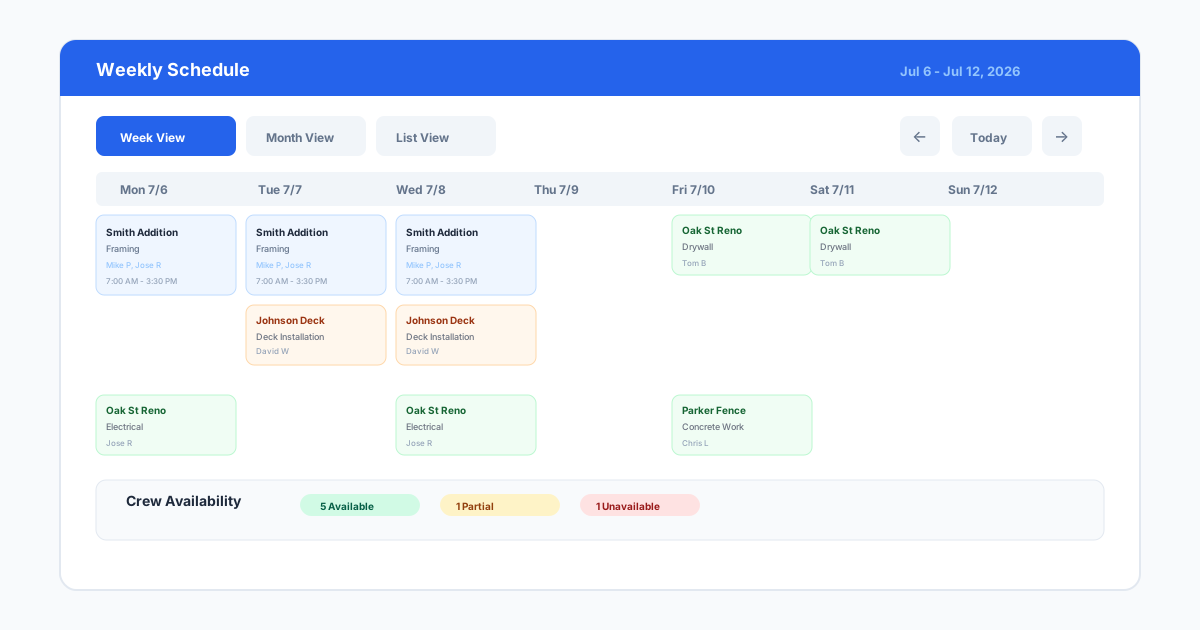
Scheduling software replaces the whiteboard and sticky notes with a live timeline that everyone on the project can see. The software tracks task durations, dependencies between trades, milestones, and critical path items. When something changes, which happens on every construction project, the schedule updates and shows the impact on the overall timeline. The contractor can see whether a three-day delay in foundation work pushes the framing start or whether there is float in the schedule that absorbs the delay.
For general contractors managing multiple trades and subcontractors, scheduling software is the single most effective tool for reducing downtime. A well-built schedule ensures that the concrete crew finishes before the framers arrive, that rough-in inspections are scheduled before drywall goes up, and that materials are ordered with enough lead time to arrive when needed. Contractors who schedule actively rather than reactively keep their projects moving and their crews productive.
The financial impact of poor scheduling is easy to underestimate. Every day a crew stands idle waiting for a predecessor trade to finish costs the GC in lost productivity and the subcontractor in lost revenue. Equipment sitting idle costs money too. A study by the Dodge Data and Analytics found that contractors who use formal scheduling software report 20 percent less downtime than those who rely on manual methods. For a contractor running ten projects simultaneously, that reduction translates directly into higher margins and fewer extension-related penalties.
Key Scheduling Features to Look For
Gantt chart visualization is the standard format for construction schedules. A Gantt chart shows each task as a bar on a timeline, with dependencies drawn as lines connecting related tasks. The visual format makes it easy to see the sequence of work, which tasks run concurrently, and where the critical path lies. Good scheduling software makes the Gantt chart interactive, allowing the user to drag task dates and see dependency impacts update in real time.
Critical path management identifies the sequence of tasks that determines the project completion date. If a critical path task slips, the project completion slips by the same amount. Scheduling software should highlight the critical path automatically so the contractor knows which tasks need the most attention. Non-critical tasks with float can slip within limits without affecting the end date, and the software should show available float clearly.
Resource leveling prevents overallocation of crews, equipment, and materials. If the schedule shows the same crew scheduled for two different tasks on the same day, the software should flag the conflict and offer options to adjust. For contractors who self-perform work and manage their own crews, resource leveling is essential for creating a realistic schedule. For GCs managing subcontractors, it helps ensure that subs are not double-booked.
Baseline tracking lets contractors compare the planned schedule against actual progress. At the start of the project, the approved schedule becomes the baseline. As work progresses, the contractor updates actual start and finish dates. The software shows the variance between planned and actual, making it clear where the project is ahead, behind, or on track. Baseline tracking is the foundation of schedule reporting for owners and stakeholders.
- Interactive Gantt chart with drag-and-drop task adjustment
- Automatic critical path identification and visualization
- Resource leveling for crews, equipment, and materials
- Baseline tracking with planned versus actual comparison
- Dependency management with predecessor and successor tasks
- Milestone tracking for key project events
- Calendar integration for team visibility
Top Scheduling Tools Compared
Microsoft Project remains the most widely used scheduling tool in construction. It offers full Gantt chart capability, critical path analysis, resource management, and baseline tracking. The desktop version is powerful but has a steep learning curve and requires installation. The cloud version, Microsoft Project for the Web, is lighter and easier to use but lacks some advanced features. Microsoft Project works best for contractors who have dedicated schedulers or project managers trained in the tool.
Primavera P6 by Oracle is the enterprise standard for large-scale construction and engineering projects. It handles complex schedules with thousands of tasks, multiple calendars, and enterprise resource management. For small to midsize contractors, Primavera is overkill. The cost, complexity, and training requirements exceed what most contractors need. It excels in the environment it was built for: large commercial, industrial, and infrastructure projects with dedicated scheduling teams.
Smartsheet offers a spreadsheet-like interface with construction scheduling capabilities, including Gantt charts, dependencies, and resource management. Many contractors find Smartsheet more approachable than Microsoft Project because it feels familiar to Excel users. It supports collaboration, automations, and integrations with common construction tools. Smartsheet is a strong middle ground for contractors who need structured scheduling but find Microsoft Project too rigid or Primavera too complex.
Buildertrend and Procore both include scheduling modules as part of their broader construction management platforms. The scheduling features are not as deep as dedicated tools, but they are sufficient for most small to midsize contractors and have the advantage of being integrated with the project's documents, financials, and field data. For contractors already using one of these platforms, the built-in scheduler is the natural choice and eliminates data duplication.
ClickUp and Monday.com are general project management platforms that have added construction scheduling features through templates and custom fields. They offer Gantt views, dependencies, and team collaboration at a lower price point than construction-specific tools. The trade-off is that they lack construction-specific features like progress billing, lien waiver tracking, and trade coordination workflows. They work best for contractors who want simple scheduling and do not need deep construction functionality.
For contractors who need to share schedules with homeowners or less technical stakeholders, tools that offer simplified timeline views alongside the full Gantt chart are valuable. The ability to generate a client-friendly milestone schedule from the same data that drives the detailed trade schedule saves time and prevents the common problem where the office maintains two separate schedules that never match. Look for software that offers multiple view modes for different audiences.
Integrating Schedules with Drawings
A construction schedule and a set of drawings are two sides of the same project. The schedule says when work happens. The drawings say where and how. When these two documents are produced independently, the team has to mentally connect the schedule tasks to the physical locations on the drawings. That mental connection breaks down when tasks get reassigned, sequences change, or new team members join the project mid-construction.
SiteBuildHub Draft helps bridge that gap by producing drawings that can be referenced directly in schedule tasks. A foundation schedule task can link to the foundation plan drawing. A framing task can reference the floor plan with dimensions. A site work task can include the site plan showing utility routes and setback lines. Attaching the relevant drawing to each schedule task gives the crew a visual reference that reduces questions and misinterpretation.
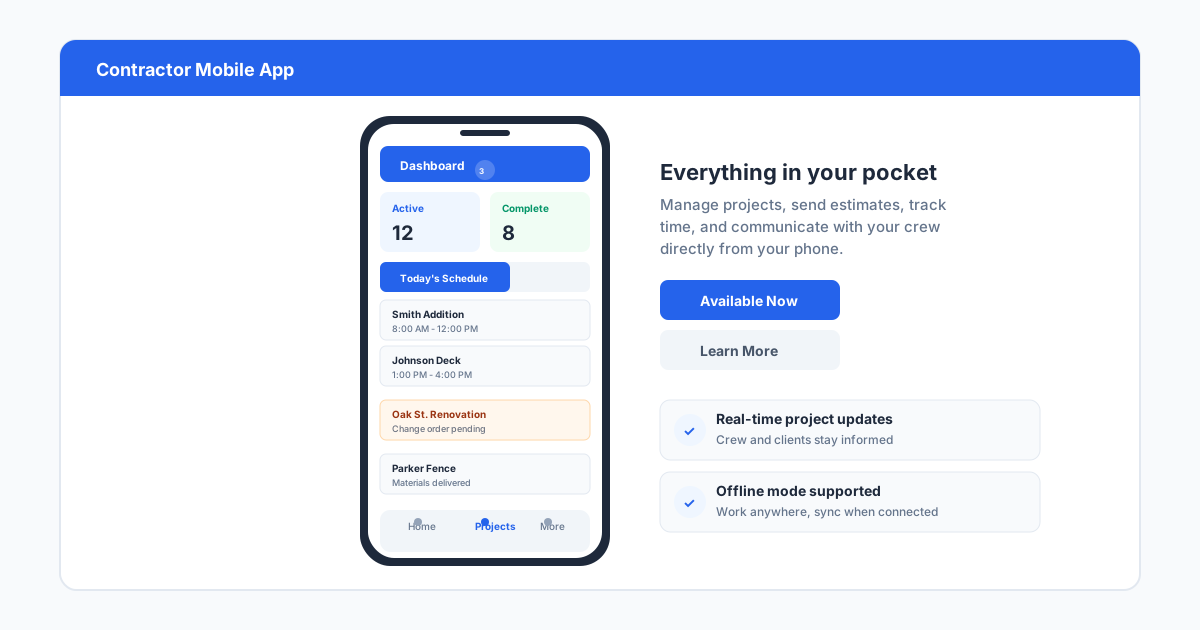
For contractors who produce their own drawings in SiteBuildHub, the integration is straightforward. The drawing is created during the planning or estimating phase, exported as a PDF, and stored in the project folder alongside the schedule. When the schedule is built, each task includes a reference to the relevant drawing. The field crew opens the schedule on their phone, taps a task, and sees the drawing that applies to that day's work. That level of connection between schedule and drawing is rare in small to midsize contracting, and it is a competitive advantage for contractors who implement it.
Getting Started with Scheduling Software
Start with a simple template rather than building a schedule from scratch. Most scheduling platforms offer templates for common project types, including residential construction, commercial build-out, and renovation. A template provides a starting structure with typical phases, tasks, and durations that the contractor adjusts for the specific project. Starting from a template is faster and reduces the chance of missing standard tasks.
Involve the people who will execute the schedule in its creation. The superintendent and key subcontractors know how long tasks actually take better than anyone in the office. A schedule built in isolation is likely to have unrealistic durations, missing dependencies, and overlooked sequence constraints. A schedule built with input from the field team is more accurate and has more buy-in from the people who need to follow it.
Update the schedule regularly, not just at project milestones. A schedule that goes untouched for weeks becomes irrelevant and loses its value as a coordination tool. The goal is to update task status weekly at minimum, with dependency and date adjustments as work progresses. Contractors who keep their schedules current find that the software becomes an indispensable communication tool rather than a document that was useful only at the start of the project.