What is a change order and why every contractor needs a system
A change order is a written document that modifies the original contract scope, price, or schedule. It sounds formal, but in practice, change orders happen on almost every project. The client decides they want a different tile. The framing reveals a plumbing issue that was not in the original scope. The owner asks to move a wall twelve inches. Each of these is a change order whether you write it down or not.
The difference between contractors who protect their margins and those who watch them erode is not whether changes happen — it is whether those changes get documented, priced, and approved before work proceeds. A verbal change is a gift to the client and a risk to your bottom line. A written change order with a clear description, price, and signature protects both parties.
A good change order system has four steps: document the change, price the impact, get written approval, and update the schedule. Skipping any of these steps introduces risk. The most expensive change order is the one you discovered after the work was already done because you did not stop to document it first.
Every change needs a written order. Verbal approvals are not approvals.
Why change orders eat your profit if you do not manage them
Change orders are dangerous to margins because they bypass the estimating process. Your original bid included competitive pricing based on a complete scope. A change order is a mini-project that gets priced in five minutes instead of five hours, and the pressure to keep the client happy often leads to under-pricing.
Consider a typical scenario: during a kitchen renovation, the client asks to move an electrical outlet three feet. It seems small, so you say 'no problem' without thinking about the cost. But that outlet move involves an electrician's trip charge, drywall repair, painting, and your coordination time. A $150 task on your time becomes a $450 cost that comes out of your profit because you did not write a change order.
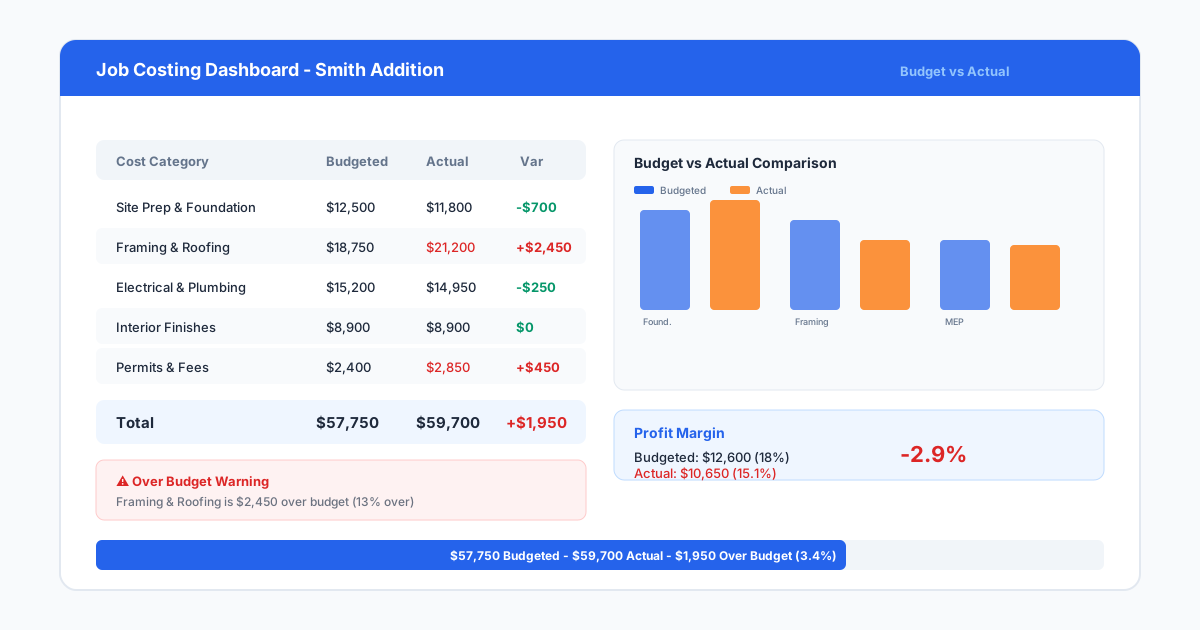
The cumulative effect of undocumented changes is the most common reason profitable-looking jobs finish in the red. A study of construction project profitability by the National Association of Home Builders found that change orders are the leading cause of profit erosion on residential projects. Ten undocumented $500 changes wipe out $5,000 of margin — and most contractors are surprised to find they had more than ten on a typical project.
There is a secondary cost too: schedule disruption. Every undocumented change interrupts the planned workflow. Your crew stops one task to accommodate a change, loses momentum, and takes longer to restart the original work. The schedule impact of a change is often larger than the direct cost of the work itself.
- Undocumented changes are the leading cause of profit erosion in construction
- Small verbal changes add up fast — ten $500 changes = $5,000 lost margin
- Schedule disruption from changes often costs more than the change itself
- Pressure to keep clients happy leads to under-priced changes
- A formal change order system protects both your margin and your client relationship
Step 1: Document the change immediately
When a client requests a change, document it before you price it. Write down exactly what they want: the location, the materials, the dimensions, the timing. If possible, have the client confirm the description in writing — email is fine. This prevents the most common change order dispute: 'I asked for this, not that.'
Take photos of the current condition if the change affects existing work. If the client wants to move a window, photograph the wall before any work changes. If the change involves uncovering a condition — like opening a wall to find plumbing that needs relocation — document the discovered condition before it is disturbed.
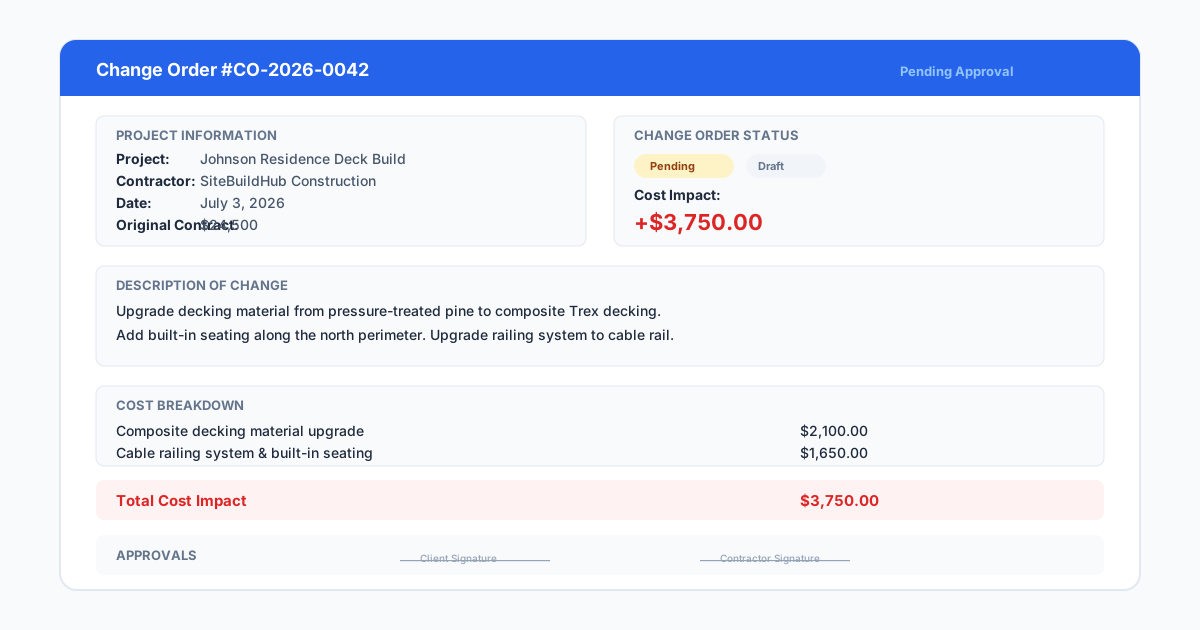
Use a standard change order form for every change, regardless of size. Your form should include: project name and number, date, change description, reason for change, impact on contract price, impact on schedule, and signature lines for both parties. Do not create separate forms for 'small' changes and 'big' changes. Every change gets the same form. This builds the habit and prevents the small changes from falling through the cracks.
If the change is urgent and the client is not available to sign immediately, document it yourself and send it for their review. Attach it to the project record and flag it as pending approval. Never start work on a change before the documentation exists.
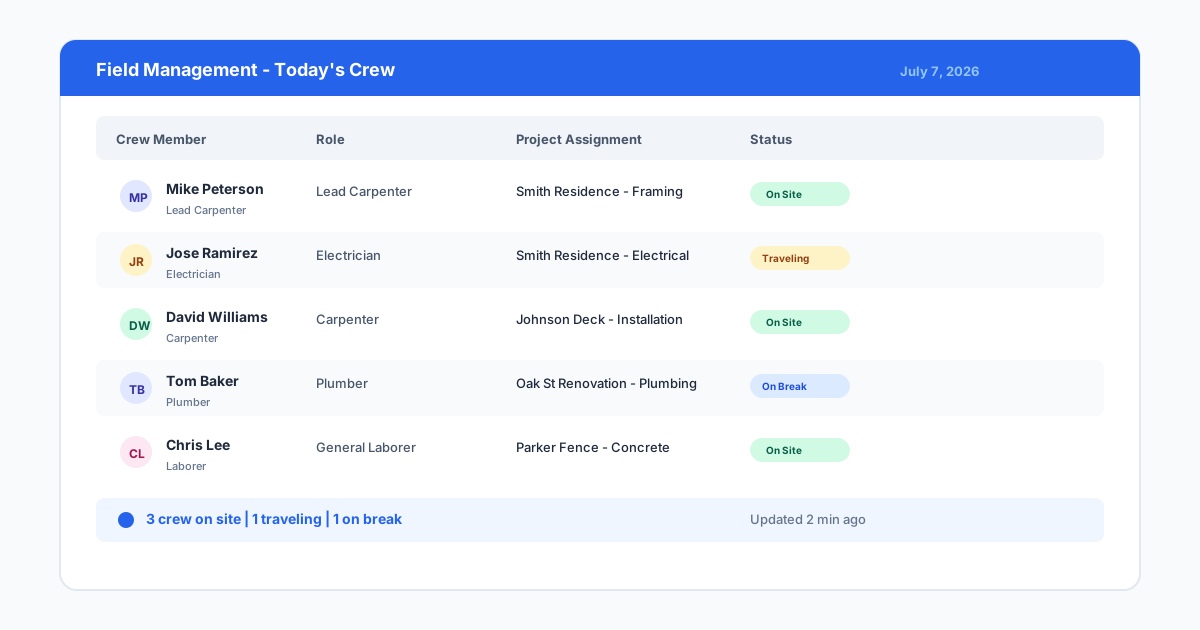
Document every change at the moment it is requested, not at the end of the day.
Step 2: Price the complete impact
When pricing a change order, include every cost the change creates. Do not just price the visible work. If moving an outlet involves patching drywall, consider whether the entire wall needs repainting — a single patch often requires refinishing the full wall for a consistent look. That paint cost belongs on the change order.
Calculate the material cost at current pricing, not the pricing from your original estimate. If lumber prices have moved since you bid the job, the change order materials cost the current price. Include delivery charges if the change requires a special order. Include restocking fees if the change makes previously purchased materials unusable.
Price labor at your standard labor rate with full burden, not at a discounted rate. The change order is additional work that was not included in your competitive bid. There is no reason to discount it. Include the trip charge or minimum call-out if the change requires a separate visit from a trade.
Apply your standard overhead and profit markup to the change order. Many contractors apply a higher markup to change orders than to the original contract — 25 to 35 percent is common. The rationale is that change orders are more disruptive, carry less planning time, and involve out-of-sequence work that costs more to execute. This is not gouging the client; it is pricing the real cost of change.
Add a schedule impact note. Even if you do not charge for schedule delay explicitly, note how the change affects the completion date. This protects you if the client later asks why the project is taking longer than the original schedule showed.
- Include ALL costs: materials, labor, subs, paint, delivery, restocking fees
- Use current material pricing, not original estimate pricing
- Apply full labor burden rate, not discounted rates
- Add overhead and profit markup (25-35% is standard for change orders)
- Document schedule impact even if you do not charge for it separately
Step 3: Get written approval before proceeding
Written approval is the step most contractors skip, and it is the most important one. A signature on a change order form is not bureaucracy. It is a mutual agreement that the scope and price have changed. Without it, you have no legal basis to charge for the additional work, and the client has every right to dispute the charge when the final bill arrives.
Present the change order to the client with a clear explanation of what changed and why the price adjusted. Do not just hand them a form and ask for a signature. Walk them through the cost breakdown so they understand what they are approving. Clients are much more likely to sign when they understand the pricing.
Set expectations early in the project about the change order process. Include a change order clause in your contract that states: all changes must be in writing, approved before work proceeds, and priced at current rates. When clients understand the process from the start, they are less likely to resist it when a change comes up.
For small changes under a certain dollar amount — $250 or $500, depending on your business — you may use an email approval process instead of a formal signed form. But the rule should still be: no documentation, no work. A client email reply saying 'yes, go ahead' is better than a verbal conversation that no one remembers the details of.
If the client refuses to sign a change order, stop work on the affected area until the dispute is resolved. Continue work on the original scope if possible, but do not proceed with the changed work. This sounds aggressive, but it is the only way to protect yourself. A brief delay while an approval is sorted is far cheaper than an unapproved change that you cannot collect payment for.
- Never proceed on a change without written client approval
- Walk the client through the pricing before asking for a signature
- Include change order procedures in your original contract
- Use email approval for small changes, but still document everything
- Stop work on the changed scope if the client refuses to approve it
Step 4: Update the schedule and communicate with your crew
Once a change is approved, update your project schedule immediately. A change that adds three days to the framing phase pushes every subsequent trade back. If you do not update the schedule, you will have drywallers arriving before the framing change is complete, and the resulting inefficiency costs more than the change itself.
Communicate the change to your crew in writing. Do not rely on a verbal handoff. Add the approved change order to the project folder and brief the crew on what changed, where it changed, and how it affects their work sequence. A crew that hears about a change secondhand from the client or from a subcontractor is a crew that loses trust in your management.
Update your material orders and deliveries if the change affects quantities or specifications. If the client changed window sizes, call the window supplier before the original order ships. If the change adds concrete work, schedule the ready-mix delivery for the updated date. Every trade and supplier who is affected by the change needs to know.
Track all change orders in a summary log that shows the original contract value, each change order amount, and the revised contract total. This log gives you a real-time picture of how the project financials are evolving. Share a simplified version with the client regularly so there are no surprises at the end of the project.
- Update the project schedule immediately after change approval
- Communicate changes to the crew in writing, not verbally
- Notify all affected trades and suppliers of the change
- Maintain a change order log showing original and revised contract values
- Share financial updates with the client to avoid end-of-project surprises
Tools and systems for tracking change orders
Paper change order forms work fine for small contractors managing one or two jobs at a time. Keep a pad of forms in your truck, fill them out on site, and photograph the signed copy before filing it. The key is consistency: use the same form every time, keep the copies organized by project, and store them in a place you can find six months later.
For contractors managing multiple projects simultaneously, a digital change order system saves time and reduces errors. Project management software like SiteBuildHub allows you to create, price, and send change orders from the field, track approval status, and keep every change connected to the project record automatically.
The specific tool matters less than the habit. A contractor who uses a paper form consistently will have better change order management than a contractor who has expensive software but does not use it for every change. Build the habit first, then choose the tool that supports it.
Whichever system you use, review your change order log at every weekly project meeting. Review open changes, recently approved changes, and changes that are being discussed. This keeps change management visible and prevents small requests from accumulating into major scope drift.
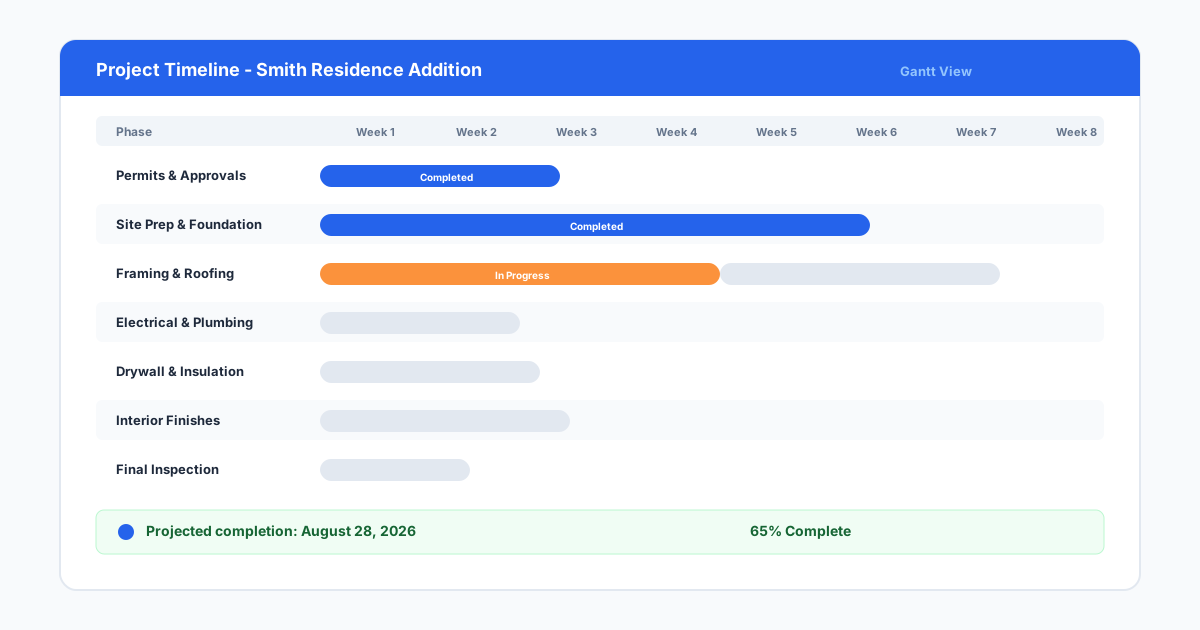
Digital tools make change order tracking easier, but consistency matters more than the tool.